YouTube UGC ads: source, brief, and run creator content that converts

UGC outperforms polished creative by up to 4x on YouTube’s skippable formats, Shorts is the fastest-growing placement on the platform (now 22% of YouTube’s ad revenue), and the creator briefs, attribution setup, and format choices required for YouTube are different enough from Meta and TikTok that most brands running UGC elsewhere are leaving real performance on the table.
TL;DR
- YouTube’s $40.4B ad business now outpaces all of Hollywood combined, but most brands still treat it as a UGC afterthought.
- UGC-style creative outperforms polished video on hook rate (+31%) and CTR (+33%) on skippable in-stream ads.
- YouTube has four formats suited to creator content: skippable in-stream, non-skippable in-stream, bumper ads, and Shorts – each with different creative rules.
- Briefing creators for YouTube is meaningfully different from TikTok and Meta: intentional viewers reward narrative depth, while Shorts viewers behave like TikTok scrollers.
- YouTube Open Call (launched Cannes Lions 2025 via BrandConnect) lets brands distribute a brief to 3M+ YouTube Partner Program creators and run approved content as Partnership Ads in Google Ads.
If you’re already running UGC on Meta and it’s working, YouTube is probably the next channel on your list. The audience is there – YouTube’s ad revenue hit $40.4 billion in 2025, outpacing the combined total of Disney, NBC, Paramount, and Warner Bros. So is the creative format fit. 62% of brands are now allocating more budget to YouTube Shorts than to TikTok or Instagram Reels.
The problem is that the YouTube-specific UGC playbook barely exists. Most creator brief templates, format guides, and performance teardowns are written for Meta or TikTok, and the differences matter more than you’d expect.
This guide covers what you actually need to run user-generated content (UGC) ads on YouTube. Which formats work best, how to brief creators, what the benchmarks look like, and how YouTube’s Open Call feature fits into a broader sourcing workflow. Let’s get into it.
Why YouTube UGC ads work
YouTube has quietly become a full-funnel performance channel, and the UGC opportunity there is as real as it is underexplored. YouTube’s 2025 ad revenue of $40.4 billion outpaced the combined advertising total of Disney, NBC, Paramount, and Warner Bros. A complete reversal from 2024, when YouTube still trailed those studios. That’s the depth of audience available, and the scale of budget now flowing into the platform.
If you’re a performance marketing lead at a DTC health brand that’s built its growth almost entirely on Meta. CPMs have climbed steadily for two years, your creative team is refreshing assets every other week to fight fatigue, and ROAS is compressing. YouTube is the obvious diversification play – lower average CPMs, a different audience pool, and longer ad formats that reward the detailed product storytelling health and wellness products often need.
The challenge is that most teams arrive on YouTube carrying Meta instincts. Agencies managing $15M+ in YouTube ad spend consistently identify “applying Meta tactics to a platform with different principles” as the main failure mode for DTC brands new to YouTube.
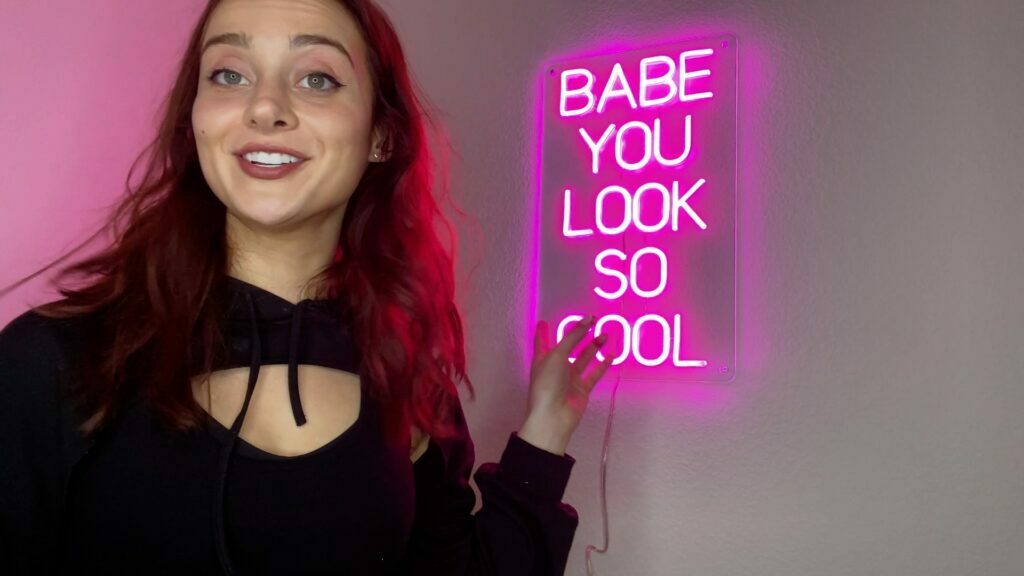
If you’re running beauty or skincare products on Meta and this scenario sounds familiar, here’s how the creative stack looks specifically for that category before you expand to YouTube.
The case for UGC specifically is about the skip button.
On YouTube’s skippable in-stream ads, a viewer decides in the first five seconds whether to keep watching. Authentic creator content passes this test more often than polished studio video because it opens like something a viewer might have chosen to watch, rather than something placed in front of them. UGC-style ads outperform polished creative on hook rate by 31% and CTR by 33%, with the advantage being largest on formats where viewer choice is involved.
The window here is real. Most brands haven’t built a YouTube-specific UGC workflow yet. First-movers in your category have an audience that’s actively searching for your product and encountering very little creator content competition.
YouTube ad formats that use UGC
Not all YouTube ad formats behave the same way, and matching your UGC creative approach to the right format is one of the most important decisions you’ll make. Here’s how each works and where creator content fits best.
Skippable in-stream ads
These are the primary UGC format on YouTube. They appear before, during, or after videos; viewers can skip after five seconds; and you only pay when someone watches 30 seconds or clicks. This is the format where UGC has its largest advantage – authentic creator content earns attention past the skip threshold in a way polished studio video often doesn’t. CTR ranges from 0.5% to 2.0%, almost entirely driven by creative quality.
Imagine a direct-to-consumer supplement brand running a polished product video as a skippable ad. The first three seconds show a glossy bottle shot with a branded logo overlay. The viewer skips. Now the same brand runs a creator video that opens with: “I’ve tried six magnesium supplements and this is the first one that actually helped me sleep.” The viewer watches. The difference is purely in the opening and it’s the difference between earning a view and losing it before you pay anything.
Non-skippable in-stream ads
Non-skippable in-stream ads (up to 15 seconds) require viewers to watch the full ad before continuing. UGC-style content performs best on skippable formats where the viewer’s decision to keep watching is what you’re earning. Polished and branded creative retains an edge in non-skippable and Masthead placements, where forced exposure changes the dynamic entirely. If you’re running non-skippable, invest in produced creative rather than raw creator footage.
Bumper ads
Bumper ads are six-second, non-skippable ads with the lowest CPM on the platform – roughly $3.24 to $4.37. They’re not built for clicks; they’re built for frequency and recall. In a Google study of 122 bumper campaigns, 70% drove significant brand awareness lift with an average increase of 9%, and 9 out of 10 drove ad recall with an average lift of 30%. The best UGC application here is retargeting: take the sharpest six seconds from a longer creator video (a reaction shot, a before/after reveal, a memorable line) and use it as a bumper sequence for audiences who’ve already seen your in-stream ad.
YouTube Shorts ads
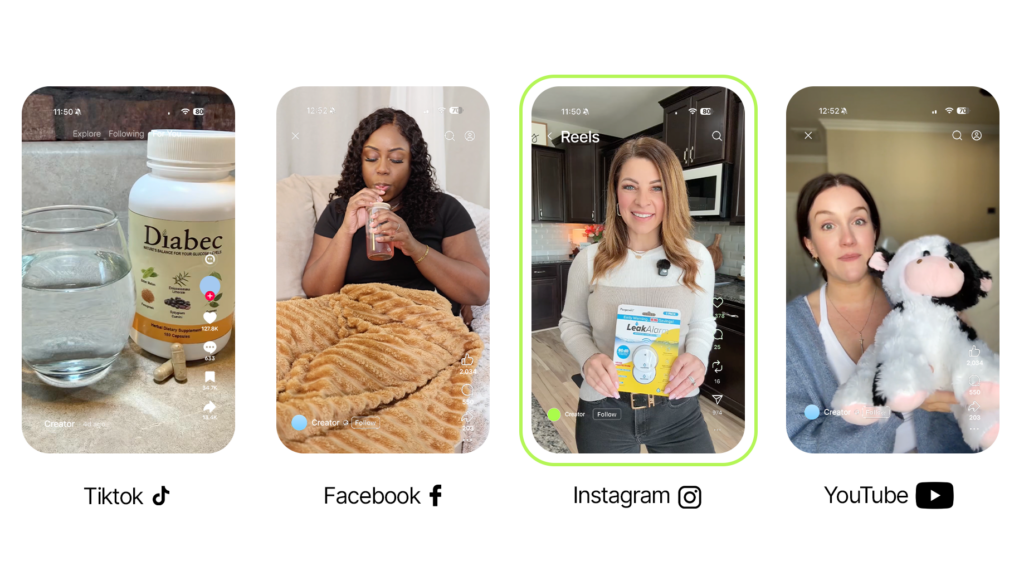
YouTube Shorts ads appear between organic Shorts content, exactly like TikTok ads appear in the TikTok feed. They’re vertical, up to 60 seconds, and carry the lowest CPM of any YouTube format (around $4). Shorts accounted for 22% of YouTube’s total ad revenue in 2025, up from 15% the prior year. If you’re already creating vertical UGC content for TikTok or Reels, much of it can run on YouTube Shorts with minimal adaptation – the audience behavior in the feed is nearly identical.
UGC vs. studio video on YouTube
If you’re already running UGC on Meta, the headline numbers will feel familiar. UGC-based ads can achieve up to four times higher CTR than studio-produced brand creative, and the hook rate and CTR advantage runs 31% and 33% respectively on skippable formats.
On YouTube, those numbers hold. But the format is specific about where each creative type wins, and there are two failure modes that are easy to miss if you’re coming from Meta.
| UGC Creative | Studio / Polished Creative | |
|---|---|---|
| CTR on skippable in-stream | Up to 4× higher | Baseline |
| Hook rate advantage | +31% | Baseline |
| Best YouTube formats | Skippable in-stream, Shorts | Non-skippable in-stream, Masthead |
| Ideal ad length | 30–60s (in-stream) / 15–30s (Shorts) | Up to 15s |
| Editing style | Natural pacing, conversational delivery | Branded, produced |
| Narrative depth | Problem → demo → recommendation | Brand message, product feature |
| Pitfall to avoid | Over-production; TikTok-paced fast cuts | Unpolished footage in forced-view placements |
| Best for | High-consideration products, conversion | Brand awareness, ad recall |
There are 2 failure modes worth knowing before you brief your first YouTube creator:
- The first is over-production: branded intros, slick transitions, and lower-thirds all destroy the authenticity signal that makes UGC perform on skippable formats. Brief creators on messaging and structure, but let the production quality stay raw.
- The second is applying TikTok-paced editing to a YouTube in-stream placement. Fast cuts that feel native on TikTok come across as jarring to viewers who made a deliberate decision to watch something. On skippable in-stream, you have 30-60 seconds of narrative window, which is the real advantage YouTube UGC has over every other platform. Use it.
How to brief creators for YouTube
Most creator briefs are written for TikTok or Meta. Platforms where viewers browse passively and make a snap watch-or-skip decision in the first second or two. YouTube in-stream viewers don’t work that way. YouTube viewers search for specific content intentionally, make a deliberate time investment when they sit down to watch, view fewer videos per session than TikTok users, and often pause and return to finish what they started. This is a fundamentally different content contract and your brief should reflect it.
Imagine you’re briefing a creator who’s comfortable with TikTok work. She typically shoots 20-second review clips with fast cuts and trending audio. For a YouTube in-stream brief, you’d want to recalibrate: ask for a 45-second walkthrough where she spends the first five seconds on the problem, the next 30 on the demonstration, and the final ten on a genuine recommendation. The structure is similar to TikTok, but the pacing and depth are both different.
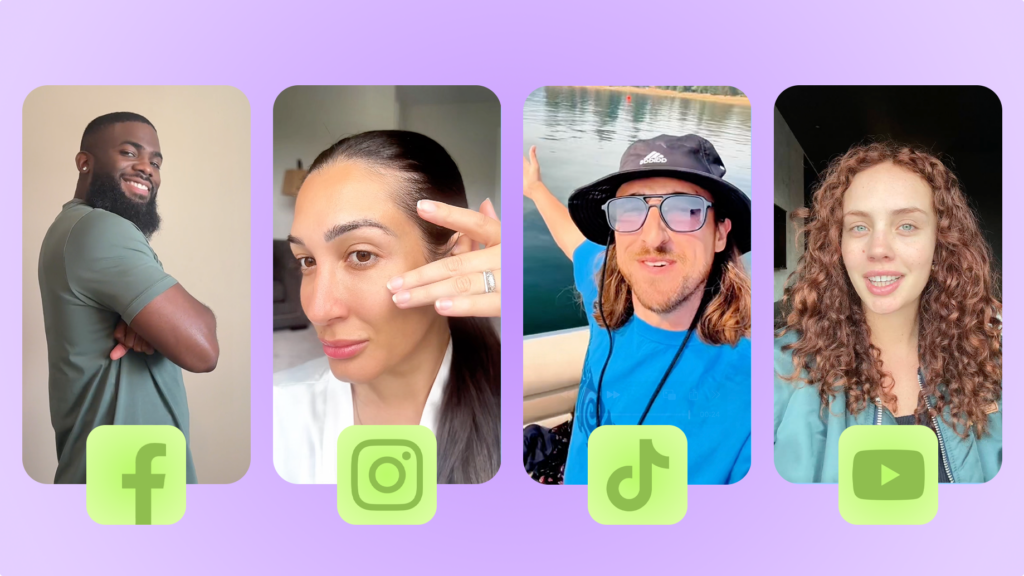
Here are a few brief elements specific to YouTube that you wouldn’t include in a TikTok or Meta brief:
- Sound-on framing. YouTube audiences are predominantly watching with audio on. Brief creators to speak clearly and naturally – no captions-only strategy, no silent-format video.
- SEO-relevant product naming. Ask creators to say the product name and category clearly on camera. YouTube indexes video audio for search relevance, which helps your content get surfaced in related searches.
- Natural pacing. The fast-cut editing common on TikTok often feels jarring on YouTube in-stream. Brief creators to deliver at a conversational pace with slightly longer takes.
For YouTube Shorts, apply TikTok-style brief rules: first-second visual hook, vertical 9:16, punchy structure. The Shorts feed audience behaves nearly identically to TikTok. YouTube Shorts briefs should still include SEO-relevant product naming, since YouTube surfaces Shorts in search results more often than TikTok does. But otherwise, Shorts and TikTok briefs are structurally similar.
YouTube Open Call
YouTube Open Call is a feature within YouTube BrandConnect, announced at Cannes Lions 2025. The workflow is built around creative brief distribution at scale. A brand publishes a brief in the Creator Partnerships Hub, creators in the YouTube Partner Program proactively submit video content in response, the brand reviews and approves submissions, and approved videos run as Partnership Ads within Google Ads.
The scale is the headline feature. YouTube’s Partner Program has over 3 million eligible channels, meaning an Open Call can surface creator responses from a much broader pool than manual outreach or a typical marketplace search. That pool is shifting too, as new 2027 Partner Program requirements change what creators can earn from Shorts directly.For brands that want YouTube-native creator content and are already running media in Google Ads, the native workflow integration is a genuine convenience.
On the other hand, Open Call doesn’t manage creator briefing quality, revision cycles, usage rights negotiation, or asset delivery outside the Google Ads ecosystem. Creator payment and IP terms are negotiated outside the platform. Which means brands running multi-platform UGC campaignswill still need a separate workflow. The decision of which approach to use depends on your channel mix and how much control you need over the briefing and revision process.
Performance benchmarks to track for YouTube UGC ads
Knowing what good looks like on YouTube is essential before you can evaluate whether your UGC creative is working. The right benchmarks vary by format. Meaning what you should and shouldn’t track differs more than most platform guides suggest.
| Format | Avg CPM | What to track | UGC target | Skip this metric |
|---|---|---|---|---|
| Skippable in-stream | $5–$10 | View rate, CTR, CPV | View rate 35%+, CTR 1.0–2.0%, CPV <$0.07, 100% play rate 40%+ | — |
| YouTube Shorts | ~$4 | Completion rate, CTR | Completion rate; CTR 0.1–0.5% | View rate (10s threshold is not comparable to in-stream) |
| Bumper (retargeting) | $3.24–$4.37 | View-through conversions, brand lift | Ad recall lift avg +30% | CTR (bumpers are a recall format, not a click format) |
For skippable in-stream, CPV runs $0.05–$0.10 with a view rate average of 31.9% and CTR ranging 0.5%–2.0%, almost entirely driven by creative quality. If your view rate is below 28% or your CTR is below 0.7% on a UGC in-stream campaign, that’s a signal to revisit the hook – not the targeting.
Viewers who watch a full in-stream ad are significantly more likely to convert later, either through a retargeting touchpoint or a direct search. That means view-through conversions belong in your reporting alongside direct conversions. If you’re reading YouTube performance on last-click only, you’ll systematically undervalue the channel and underfund it over time.
Set a 30-day view-through attribution window and review the assist data before making budget decisions.
Summary
YouTube’s UGC infrastructure is in place – the formats, the creator supply, and the brief marketplace. While most brands are still running Meta-first playbooks. That gap closes as more advertisers catch on.
Looking to get in on the action? The practical starting point:
- Re-brief creators with YouTube-specific guidance (front-loaded hook, sound-on, SEO-relevant product naming),
- Run skippable in-stream and Shorts in separate campaigns,
- Set up view-through attribution from day one.
The most common friction point isn’t strategy, it’s sourcing creators who can execute a YouTube-native brief and securing usage rights that work across platforms.
FAQs
What types of UGC work best for YouTube in-stream ads?
How is briefing a creator for YouTube different from TikTok?
What is YouTube Open Call and how does it work?

SEO Lead
Passionate content and search marketer aiming to bring great products front and center. When not hunched over my keyboard, you will find me in a city running a race, cycling or simply enjoying my life with a book in hand.
Make creator marketing a data-backed growth channel

Related from Creative Insider
Billo vs SideShift: a side-by-side comparison
Billo vs Influee: a side-by-side comparison
Best Cohley alternatives: 6 platforms compared for 2026