
What is whitelisting in social media? A 2027 guide for brands


Have you noticed that some of the best-performing ads in your feed don’t come from a brand account at all? They run from a creator’s handle, with the brand’s name next to theirs in the header, and someone is paying to put them in front of you. That is whitelisting at work.
The format is no longer a side tactic. On Meta’s third-quarter 2026 earnings call, CFO Susan Li reported partnership ads growth of more than 97% year over year, with the format passing a $15 billion annual revenue run rate.
The setup has changed a lot as well. Whitelisting used to mean a creator giving a brand access through Facebook Business Manager. Today each platform has its own tool, permission types and expiry rules: Meta partnership ads, TikTok Spark Ads and YouTube Creator Partnerships.
TL;DR
- Whitelisting means running paid ads from a creator’s handle. It’s called partnership ads on Meta, Spark Ads on TikTok and Creator Partnerships on YouTube.
- Each platform handles permissions and expiry differently. Agree the access period with the creator in writing.
- Creators usually charge for whitelisting separately from the content, and you still need a clear disclosure on every ad.
What is whitelisting on social media?
Whitelisting on social media is when a creator gives a brand permission to run paid ads from the creator’s account. The ad shows the creator’s name and profile picture, while the brand controls the budget, targeting and schedule from its own ad account.
The term comes from the early days of influencer marketing, when a creator would add a brand to a list of approved advertisers. The platforms have since built their own tools for it, so the official names have changed even though most marketers still say “whitelisting.” Here’s what each platform calls it today:
- Meta (Instagram and Facebook): partnership ads the format that replaced branded content ads.
- TikTok: Spark Ads which promote a creator’s organic post once the creator authorizes it.
- YouTube: YouTube Creator Partnerships, which took over from BrandConnect in March 2026 and lets brands run ads from a creator’s channel through Google Ads.
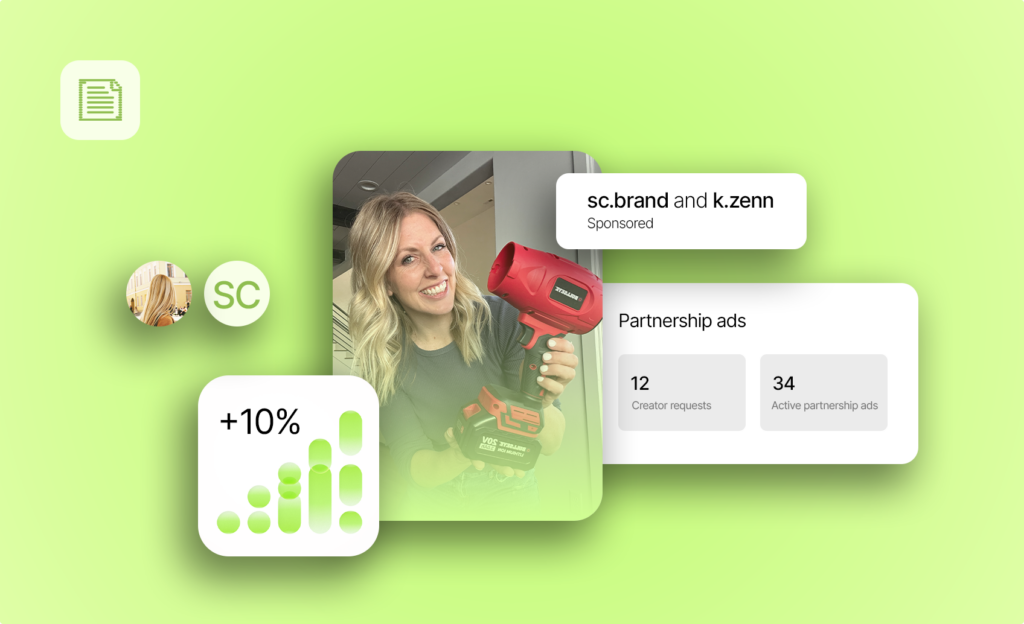
You’ll still see the term “dark posts” in older guides. A dark post is an ad that never appears on the account’s public feed, and Meta now builds this in: partnership ads made from content the creator never posted don’t show up on their grid.
Imagine you sell running gear, and a running coach has made a strong review video for you on Instagram. With whitelisting, you can run that video as an ad to new audiences in three countries, from the coach’s handle, without asking them to post it again for every market.
In short, whitelisting puts the creator’s credibility and your own targeting into the same ad.
If you’re choosing between Meta and TikTok for this, our comparison of partnership ads and Spark Ads goes through the differences in detail.
Whitelisting vs a sponsored post vs a brand-handle ad
Whitelisting sits between two formats most brands already use. A sponsored post reaches the creator’s followers organically, and a brand-handle ad reaches whoever you target, but under your own name.
| Sponsored post | Brand-handle ad | Whitelisted ad | |
|---|---|---|---|
| Name in the header | Creator | Brand | Creator and brand |
| Ad spend behind it | No | Yes | Yes |
| Who controls targeting | The platform’s algorithm | Brand | Brand |
| Appears on the creator’s feed | Yes | No | Only if the creator posted it |
| Can target the creator’s followers | No targeting | No | Yes, on Meta with account-level permission |
On Instagram, a partnership ad shows both the creator’s and the advertiser’s accounts in the ad header, so people see who made the content and who is selling the product.
Formats are less of a constraint than they used to be. On Meta, Reels, Stories, static posts and carousels are all eligible for partnership ads, so the old advice that carousels can’t be whitelisted no longer applies.
If you’re still deciding whether you need an influencer or a user-generated content (UGC) creator in the first place, our guide to UGC creators vs influencers breaks down the difference.
Why brands run ads from creator handles
Creator-handle ads look like the content people already chose to watch, which makes them easier to stop on than an ad from a brand they haven’t heard of. Meta has published several numbers on how this plays out.
When Meta updated its partnership ads tools in December 2025, it reported that adding partnership ads to campaigns delivered 19% lower cost per acquisition and 13% higher click-through rates on average. Meta didn’t publish the method behind those figures, so test them against your own account before you plan around them.
A more detailed dataset followed in October 2026. Meta’s creator measurement white paper reported a 45% lower median cost per incremental purchase across 20 conversion lift studies in Europe, the Middle East and Africa, run in the first half of 2025. The same studies showed a 35% higher incremental return on ad spend, at a 92% confidence level.
The third reason is targeting. With account-level permission on Meta, you can include or exclude the creator’s followers and the people who engage with their content, which gives you an extra audience signal that brand-handle ads don’t have.
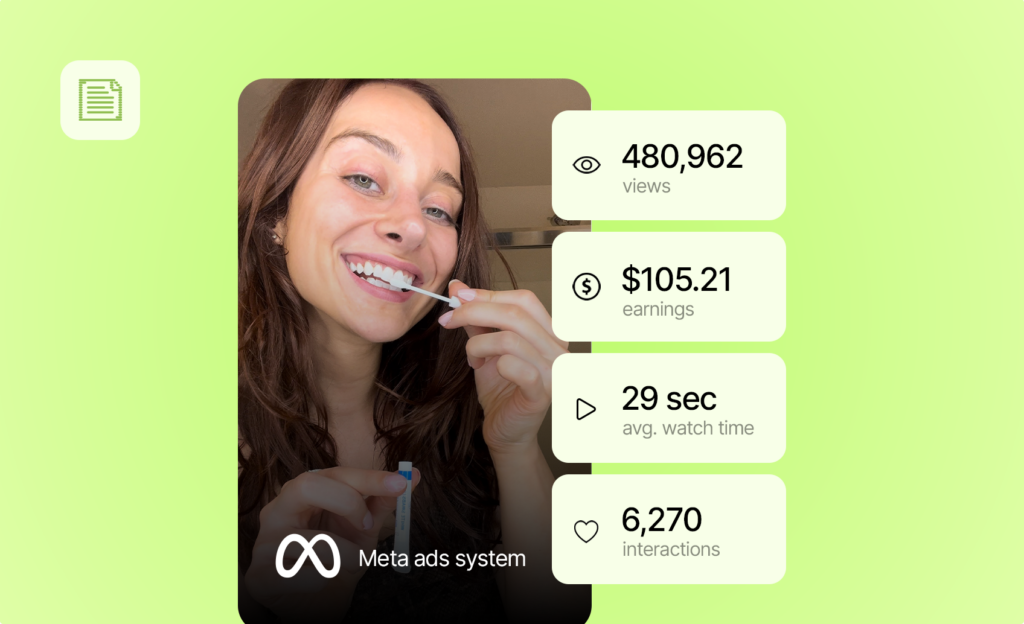
Whitelisting works best when you already have a creator video that performs, and you want it in front of more people than the creator could reach alone.
How whitelisting works on each platform now
The basic idea is the same everywhere: the creator approves, and the brand runs the ad. What you can run, how you get permission and how long it lasts differ a lot by platform, so here’s how each one works today.
Meta: ad codes vs account-level permissions
Meta gives you two ways to get permission, and the one you choose decides what you can run and how much work each new ad takes.
Ad codes (post level). The creator publishes the post, generates a code for it and shares the code with you, and you use it in Ads Manager to run that post as an ad. Since December 2025, creators can share a code without being asked, even for a post that doesn’t tag your brand.
Account-level permission. You send the creator a partnership request, and they approve it in Instagram. From then on, account-level permission lets you create ads from the creator’s handle without a public post, run their posts that tag your brand, and include or exclude their audience in your targeting.
Account level is the better fit when you plan to test several videos with the same creator, because you don’t need a new code for each one. Ad codes work well when a single post is already performing organically and you want to put budget behind it.
Where you manage all of this is changing too. Meta’s Creator Marketing Hub rolled out globally in September 2026 and is becoming the main place to find creators and manage partnership ad permissions.

TikTok: Spark Ads codes and account authorization
On TikTok, the creator authorizes a post as a Spark Ad from the video’s ad settings and sends you the code. TikTok’s Spark Ads creation guide shows that you can add up to 20 codes at once in Ads Manager.
Two details tend to catch brands out. A private video becomes public once you use its code, and the creator can’t edit the caption after authorizing the post, so agree on the final caption before they generate the code.
For ongoing work, TikTok also supports account-level access. The creator links their account to your Business Center, and the ad delivery permission in Business Center includes an ads-only option, which keeps ad posts off the creator’s profile.
YouTube: creator partnerships
On YouTube, you run creator-handle ads through Google Ads. The creator either links the video to your brand in YouTube Studio or approves a request you send, and the ad then runs from their channel.
YouTube’s brand partner controls let the creator remove your access at any time, so the access period is something to agree in writing before you launch.
Google has also made the program easier to join. The minimum spend requirementsno longer apply, and since June 2026 the core features have been available in every market where the YouTube Partner Program runs.
Snapchat, Pinterest and LinkedIn
- Snapchat: Snapchat’s Creator Ads include an ad partnerships workflow, where the creator shares an ad code with a lifespan of 7, 30, 60, 180 or 365 days.
- Pinterest: a creator tags your business with a paid partnership, you approve it in the branded Pin management tool, and you can then promote the Pin as an ad.
- LinkedIn: since 2024, LinkedIn Thought Leader Ads have let brands sponsor posts from members outside the company, with each member’s approval. This suits B2B brands working with industry voices more than consumer brands working with creators.
Permissions and expiry dates: what to agree before you launch
Permissions are where most whitelisting deals go wrong, usually because nobody wrote down how long the access lasts. Each platform handles this differently, so your agreement with the creator has to fill the gaps.
| Platform | How the creator gives permission | How long it lasts |
|---|---|---|
| Meta, ad code | Shares a code for one post | Until the creator deletes the code or removes the permission |
| Meta, account level | Approves your partnership request | Until it’s removed, or until an end date you set |
| TikTok, Spark Ads code | Shares a code for one post | The authorization period shown with the post |
| TikTok, Content Suite | Authorizes one video or the whole account | 365 days per video; account level until the creator turns it off |
| YouTube | Links the video or approves your request | Until the creator removes access |
| Snapchat | Shares an ad code | 7, 30, 60, 180 or 365 days, set by the creator |
Instagram lets creators revoke partnership ad permissions at any time, so a campaign can stop mid-flight if a creator changes their mind or simply tidies up their settings.
Meta has started to close this gap. The Creator Marketing Hub adds permission expiration dates so both you and the creator can see when access ends.
On TikTok, each authorized post shows its authorization period in Ads Manager. Brands working through TikTok’s Content Suite get 365 days for each single-video authorization, while account-level authorization lasts until the creator turns it off.
Before you launch, agree on these points in writing:
- The access period. The start date, the end date, and whether you can extend it and at what price.
- Which content you can run. One post, a set of approved videos, or anything from the account.
- Edits. Whether you can cut new versions, change the call to action or crop the video for other placements.
- Audience use. Whether you can target or exclude the creator’s followers and engaged audience.
- Platforms and markets. Where the ads will run, and any spend limit the creator asks for.
- The end of the deal. Who switches off the permission and when your ads must stop.
- Disclosure. Who turns on the platform label and checks that it shows on the live ad.
If the duration isn’t written down, assume the creator can end it whenever they like.
How much does whitelisting cost?
There’s no standard rate for whitelisting. In a Net Influencer roundup of creator economy experts on whitelisting at scale, agency and rights-management leads describe three common pricing models:
- A premium on top of the content fee for the right to run the video as paid media.
- A monthly fee for each month the brand can use the creator’s handle.
- A flat fee for the agreed period, however much reach the ads get.
Whichever model you use, every extra right adds to the price. Let’s say you want to run one video for 90 days on Meta and TikTok, cut it into three shorter versions and target the creator’s followers. Agreeing that full scope upfront is cheaper than renegotiating each time you want more.
Usage rights are part of the deal as well. Google Ads puts the responsibility for securing usage rights on the advertiser when you run creator content on YouTube, and our guide to UGC usage rights covers the licensing side in more detail.
Disclosure rules
A whitelisted ad is still an endorsement, so influencer disclosure rules apply on top of the platform’s own ad label.
- US: the FTC says platform disclosure tools are no guarantee of an effective disclosure, and it expects advertisers to train and monitor the creators they pay.
- UK: the ASA’s influencer guide, published in October 2026, says a platform label may be enough if it’s upfront and prominent, and the Competition and Markets Authority can now fine companies directly.
- EU: the European Commission’s influencer legal hub confirms that consumer law already requires advertising to be disclosed.
Turn on the platform label every time, keep the creator’s own disclosure in the caption, and check the live ad before you scale your spend.
Common whitelisting mistakes
Most whitelisting problems come from small setup details:
- Letting permissions lapse mid-campaign. Set a reminder a week before the agreed end date, so you have time to extend access.
- Planning Facebook placements without a creator Page. If the creator has no Facebook Page, Facebook placements aren’t available for that partnership ad.
- Missing the boost setting. Post-level permission on Meta is tied to the creator’s “Allow brand partner to boost” setting, so check it first if a code won’t work.
- Choosing a video with licensed music. Licensed music isn’t eligible for Meta partnership ads, so ask the creator for a version with royalty-free audio.
- Skipping TikTok’s disclosure toggle. If the creator doesn’t turn on TikTok’s Commercial Content Disclosure setting, the post may be kept out of the For You feed.
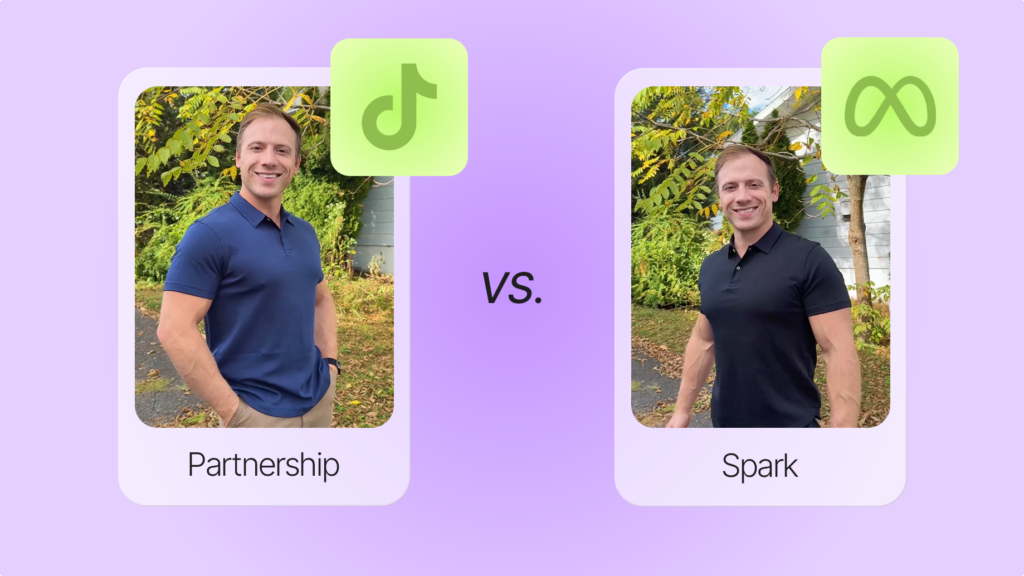
How whitelisting works on Billo
On Billo, you can run ads from the handle of any creator who offers partnership ads as a service, on Meta or TikTok. You choose how you want to run them when you create the campaign, and account-level permission can also be added after the video is delivered.
here are the options currently available on our platform:
- Meta partnership ads, content level.
- Meta partnership ads, account level.
- TikTok Spark Ads.
Permissions on Billo last 30 days and can be extended. Each creator prices the video, the organic post and partnership ads separately, with no minimum, so you only pay for creator-handle ads on the campaigns where you use them.
Once the permission is live, you build the ad in Ads Manager like any other Meta partnership ad, with either your brand or the creator as the primary identity.
Wrapping up
Whitelisting has grown from an informal workaround into a standard ad format on every major platform. The tools and names now differ by platform, while the principle stays the same: the creator lends their name and credibility, and you bring the budget and targeting.
Before your next campaign, pick the permission type that fits how many videos you plan to test, write down how long the access lasts, and check that the disclosure shows on the live ad.
If you’re ready to try it, you can find creators who offer partnership ads among Billo’s 5,000+ vetted creators and add whitelisting to your next brief.
FAQs
Is whitelisting the same as partnership ads?
How long does whitelisting last?
Do whitelisted ads show on the creator’s profile?
Can you whitelist content the creator never posted?

SEO Lead
Passionate content and search marketer aiming to bring great products front and center. When not hunched over my keyboard, you will find me in a city running a race, cycling or simply enjoying my life with a book in hand.
Make creator marketing a data-backed growth channel

Related from Creative Insider

Creative diversity isn’t optional: why Meta’s algorithm buckets look-alike UGC
Persona Marketing in The Andromeda Era
The Ultimate Content Pipeline for Ads: Never Run Out of Winning Creative


